University Screening

ExamsPrep POST UTME

Conquer POST-UTME screening tests for top Nigerian universities (UNILAG, UI, OAU, ABU, FUTO, UNN, UNILORIN, etc.) with tailored university-specific questions.

ExamsPrep POST UTME
ExamsPrep for PC Laptop
ExamsPrep for Android Phone
4,000+ Past Questions and Answers Real Exam Past Papers
Windows PC App Desktops & Laptops
Android Mobile App Phones & Tablets
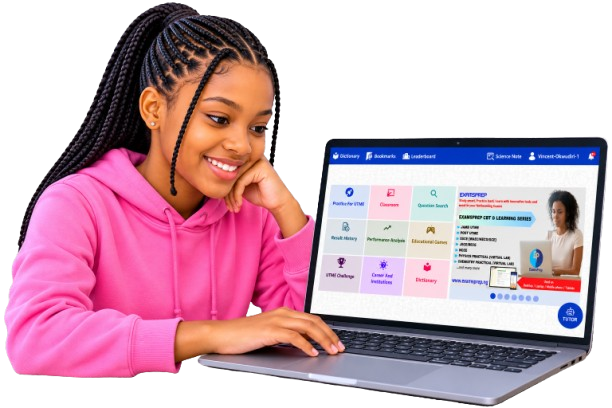
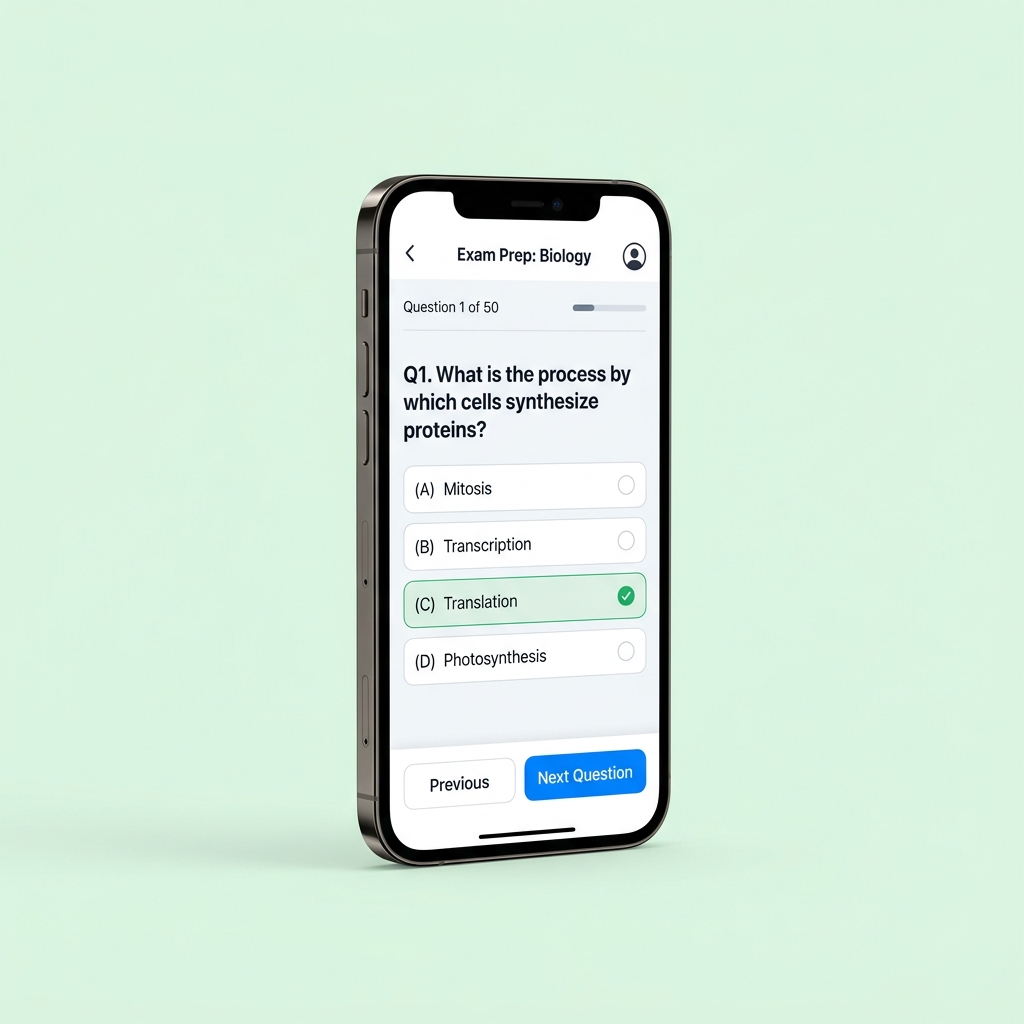
ExamsPrep POST-UTME CBT Application is designed to prepare students seeking for admission into tertiary institutions, who have already passed their main JAMB UTME and want to conquer the POST-UTME screening examination excellently, for smoother admission into their preferred university. Since universities have different screening patterns, ExamsPrep POST-UTME App provides focus-based insights only on areas that matters, to prepare adequately and pass excellently in the screening tests of about 13 tertiary institutions in Nigeria.

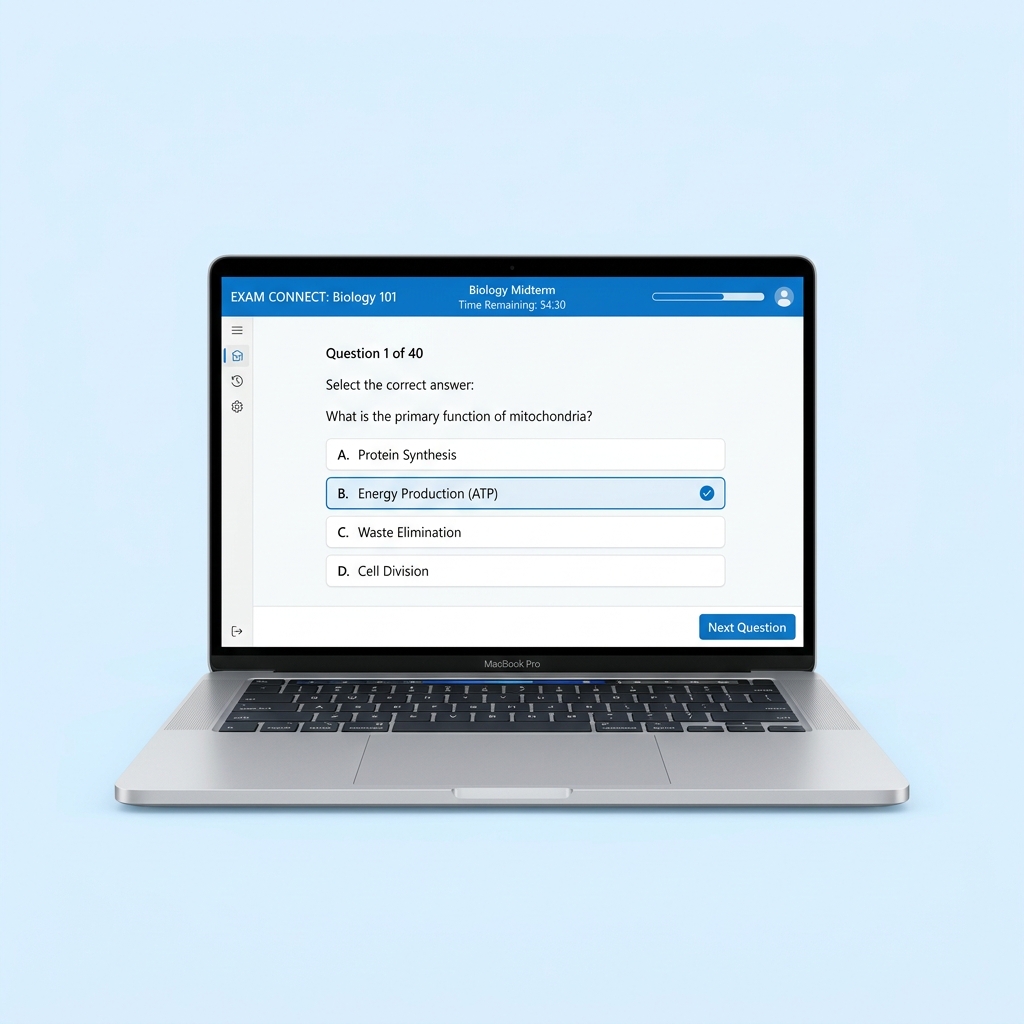
ExamsPrep App on Laptop
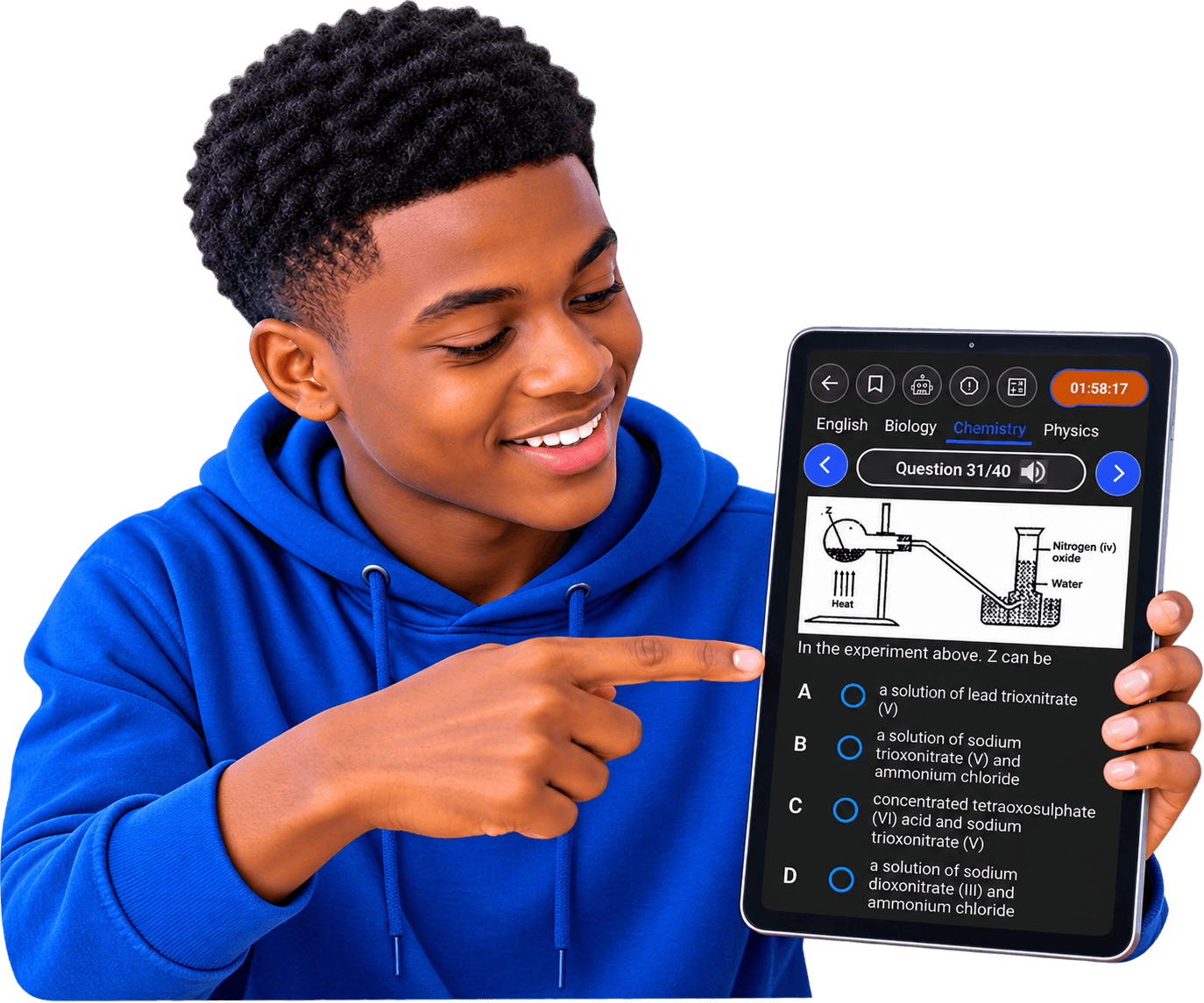
ExamsPrep App on Tablet
ExamsPrep App on Desktop
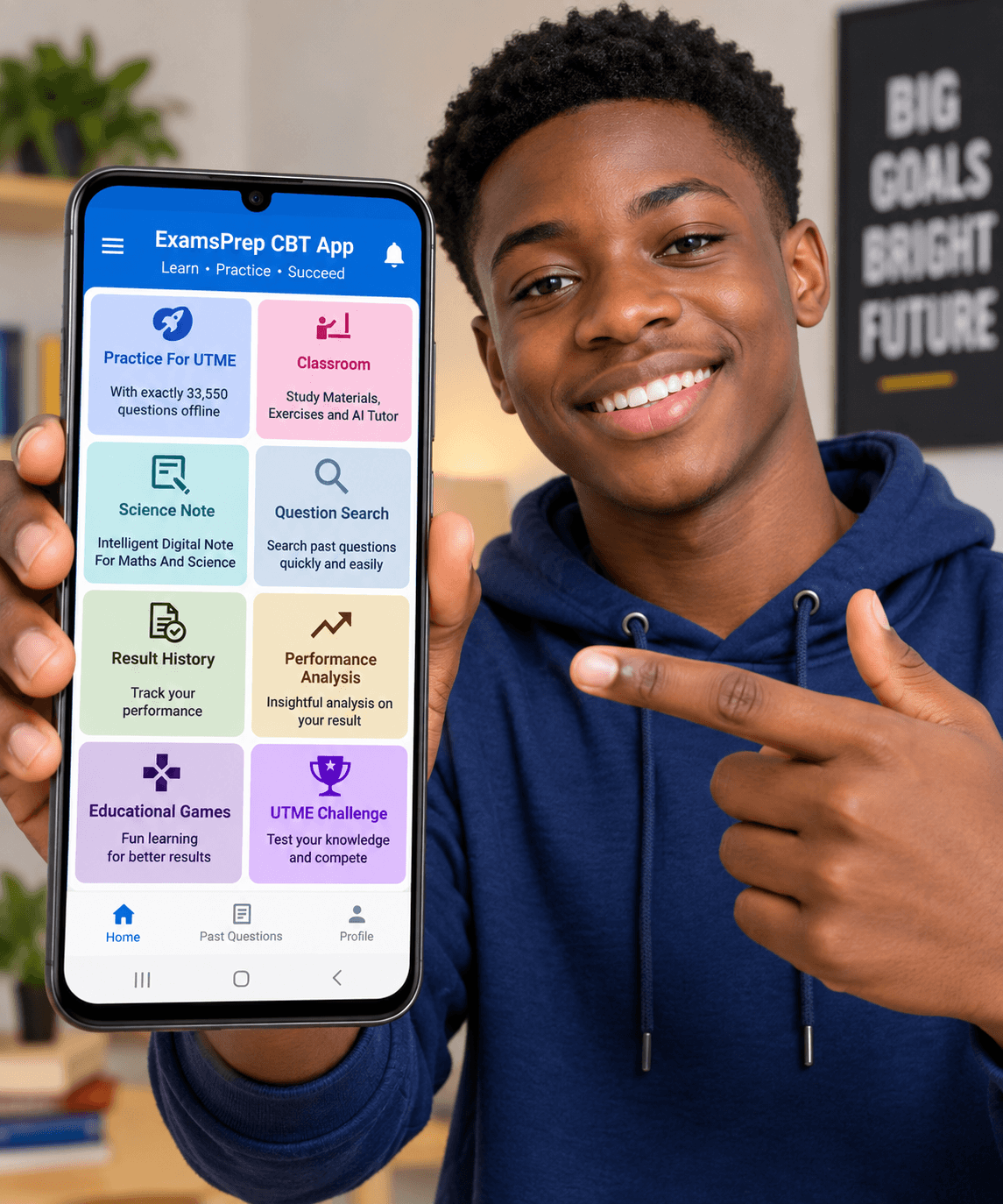
ExamsPrep App on Mobile

Complete Feature Suite

Secure your university admission with top POST-UTME screening scores.
PAST PAPERS

Past questions and answers of Universities

Practice authentic past questions and answers with detailed explanations from 13 selected higher institutions in Nigeria, they include; Ahmadu Bello University, Bayero University Kano, Federal University of Owerri, Obafemi Awolowo University, University of Ibadan, University of Benin, University of Calabar, University of Lagos, University of Ilorin, University of Port-Harcourt, University of Uyo, Nnamdi Azikiwe University, University of Nigeria and additional 4000 questions.

ANALYTICS

Rich result analysis

Get detailed analysis on your performance after each exam, including scores, number of questions attempted, answering speed, time spent, etc. for onward improvement.

AI TUTOR

AI Personal Assistance

Receive real-time advice on improving your performance after each practice session, for a smarter preparation.

AUDIO

Voice (Text-To-Speech)

Listen to questions and explanations in an interesting way, for proper retention.

MEANING

Dictionary

Get meaning and definition of over 92,000 words offline.

ACTIVATION

No Subscription

Activate once and use for life on all subject, no subscription, no hidden charges, and does not expire (Unlimited).

OFFLINE

100% Offline

No Internet connection required after installation, learn and practice anywhere, anytime, even without data. Works on Windows and Android Operating Systems.

CALCULATOR

Built-in Calculator

Crunch numbers with the build-in calculator without exiting the exam interface.

FLEXIBLE

Decide Everything

Easily customize exam settings such as the number of questions, exam time, exam mode, and username.

SAVE

Bookmarks

Save any question you wish to view later.

INSIGHT

Performance Insight

View scores, number of questions attempted, answering speed, time spent, etc., on beautiful charts. Results can be printed or saved.

CBT TOOLS

CBT Engine

Display passages, images, tables, subscripts, superscripts, and special symbols in both the question and option boxes.

Try It Free Before Buying

Ready to Excel with ExamsPrep POST-UTME?

Download the free demo version on your Windows PC or Android phone to experience realistic exam simulation.

ExamsPrep POST-UTME CBT APP at a Glance

4,000+ Past Questions and Answers with detailed explanations of 13 Nigerian universities Comprehensive

Includes full curriculum syllabus topics, model questions, answer keys & detailed explanations.

Windows PC & Android Device Compatibility Cross-Platform

Windows 7, 8, 10, 11 Android 5.0+

100% Offline (Zero Internet Needed) Zero Data

Study anytime without data or internet connection after installation. Works everywhere completely offline.

Free Demo Available Try First

Download & test all application features for free before purchasing your activation key on the buy page.

Quick Installation Guide

Get started in minutes with ExamsPrep POST-UTME on your Laptop, Desktop, or Android device.

1
Download the PC Setup Executable

Click the "Download for PC" button to download ExamsPrep_POSTUTME.exe directly to your computer.

2
Run the Installer Setup

Locate the downloaded ExamsPrep_POSTUTME.exe file in your Downloads folder and double-click to launch setup.

3
Bypass Windows Security Prompt (If SmartScreen Appears)

Click on "More Info" and then select "Run Anyway" to launch the setup wizard.

4
Activate & Start Learning

Open the ExamsPrep POST-UTME desktop shortcut, set up your profile, enter your activation key, and practice 100% offline!

1
Download the APK File

Download the ExamsPrep_POSTUTME.apk file directly to your Android phone or tablet.

2
Enable Unknown Sources

Go to your phone Settings > Security > Enable "Install from unknown sources" or grant permission to your browser.

3
Install the App

Tap the downloaded ExamsPrep_POSTUTME.apk file in your Downloads folder and select "Install" when prompted.

4
Enter Profile & Activation Key

Open ExamsPrep POST-UTME, set up your candidate profile, input your license key, and enjoy 100% offline study!

Frequently Asked Questions

Everything you need to know about ExamsPrep software and activation keys.

ExamsPrep CBT Software is an app designed to prepare candidates sitting for major examinations like JAMB (UTME), WAEC, NECO, GCE, NABTEB, BECE, NCEE, POST UTME etc to learn differently, and pass their exams in one sitting. It is an installable application that can work on desktop, laptop, phones, and tablets.

Yes! Once installed, you don’t need internet to use the App. It is completely offline.

Yes! It is free to download ExamsPrep CBT App and enjoy limited access to its features, you only need a licence to activate it and have access to all features completely, with zero restriction.

The licence is valid forever, no expiration, no hidden charges, no subscription. A license can activate only one product on a device.

One license works on one device and never expires as long as that device stays alive.

ExamsPrep CBT App licence costs a one-off fee of N5,000. However, we have discounts for bulk purchases, depending on quantity. The discount can be as much as 40%.

After installing the app, copy the Product Key it displays, then pay ₦5,000 on the purchase page. Your activation key is emailed instantly, check your spam folder if you don't see it. Bank transfer with WhatsApp confirmation is also available.

ExamsPrep CBT App covers All subjects, depending on the exam you are preparing for. All subjects’ learning kits are strictly syllabus-based structures.

Yes! You can update your app only within the same version. For instance, if you are using 2027 version, you can always update it within the 2027 version but once 2028 version is released, you will have to purchase the new version (if you so wish), or continue using the version you purchased. We treat all versions of our software as a different product.