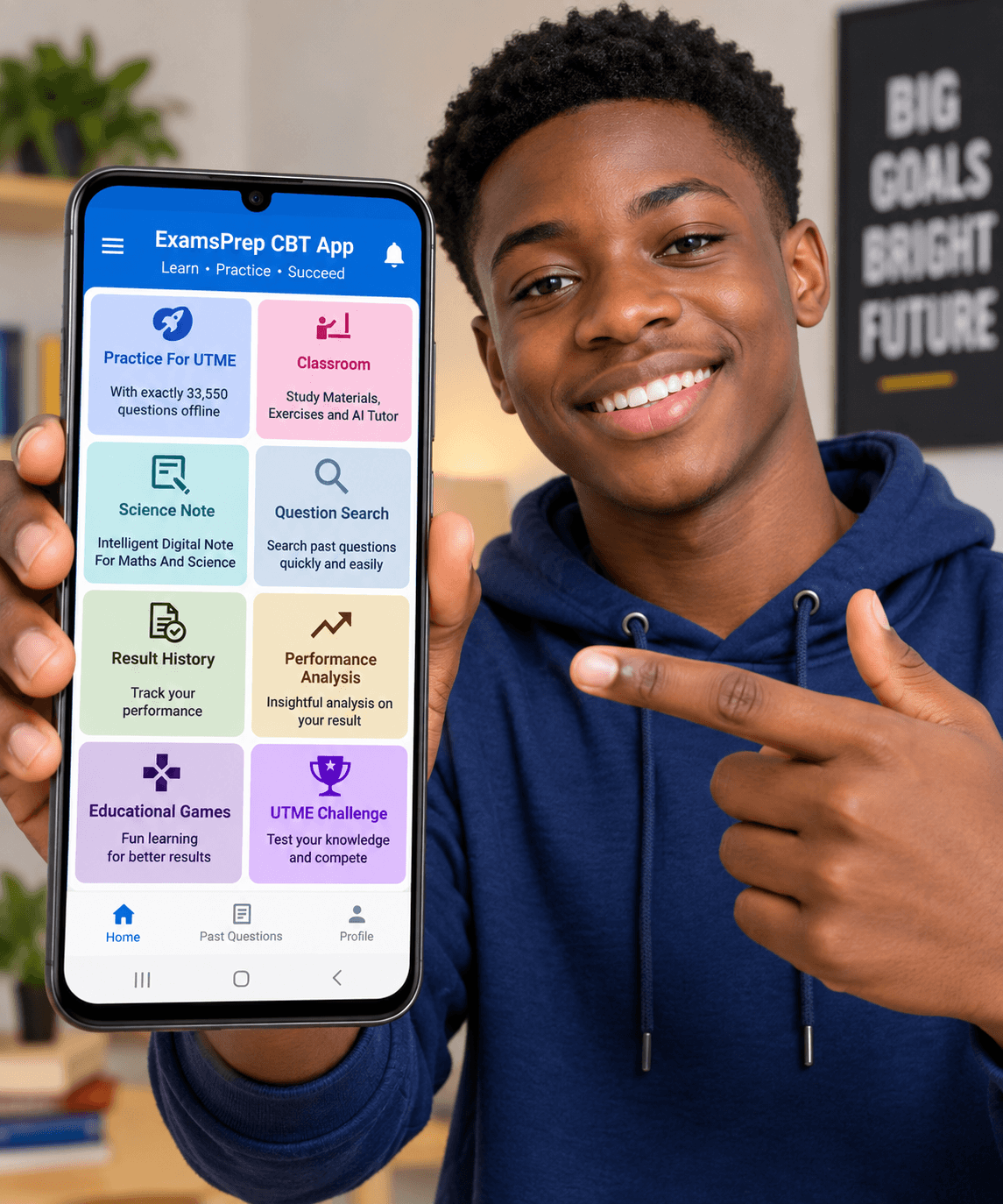
Master UTME with over 35,000 real JAMB past questions and answers across 27 subjects, novel summaries, topic filtering, and real exam time simulation.
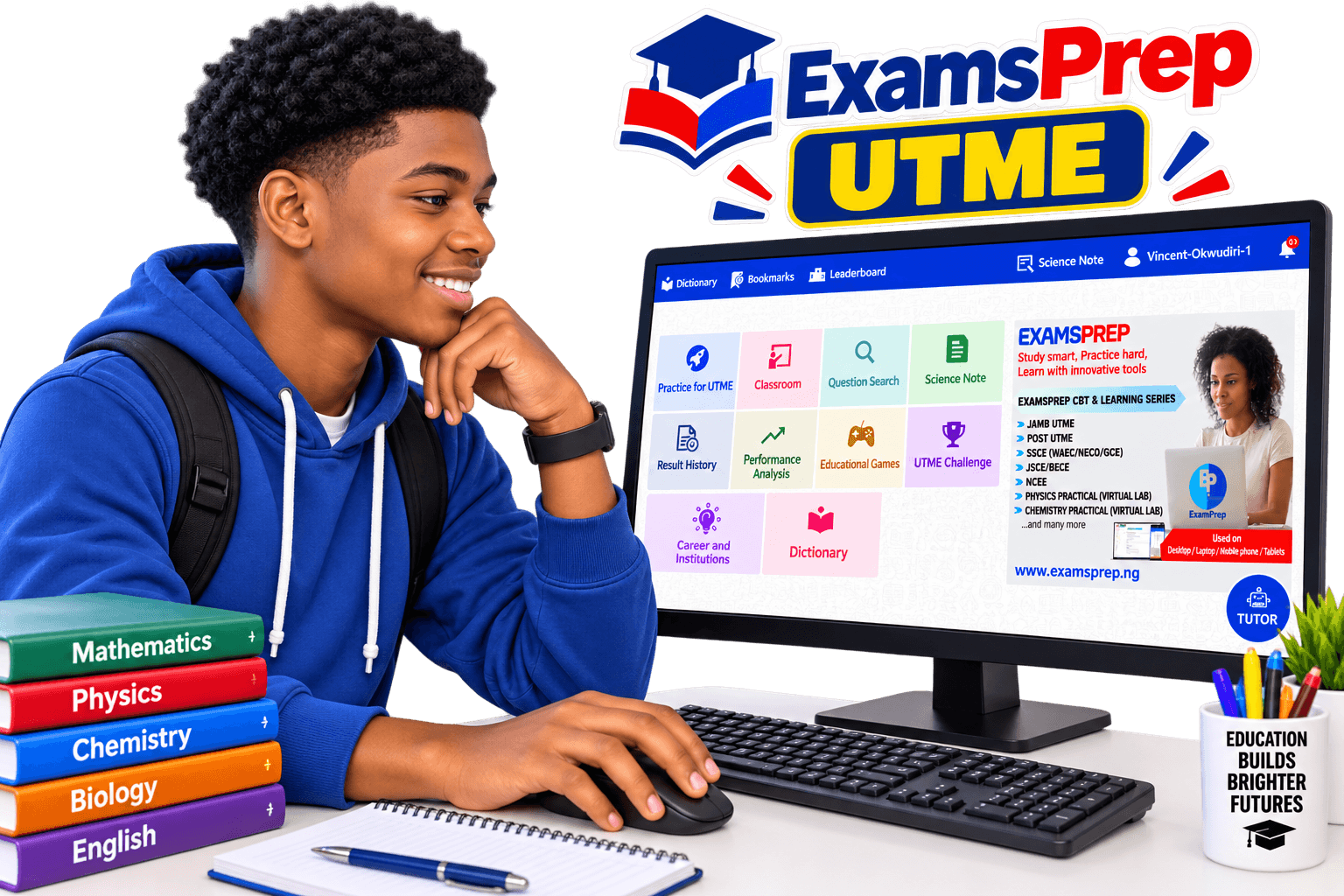
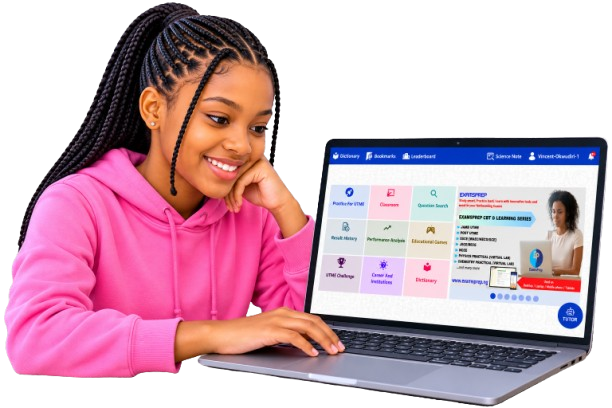
ExamsPrep UTME is an Offline Computer Based Testing and Learning Software exclusively designed to prepare Unified Tertiary Matriculation Examination candidates effectively, and compete efficiently in the UTME examination. It helps students to study smart, practice hard, learn with the innovative tools and excel in their forthcoming examinations. With over 35,000 real JAMB past questions and answers across 27 subjects, ExamsPrep App prepares students to conquer UTME exam in just one sitting, making it the ideal practice App for the exam. It is indeed the surest pathway to success for every prospective UTME candidate who desires to succeed absolutely in the examination.
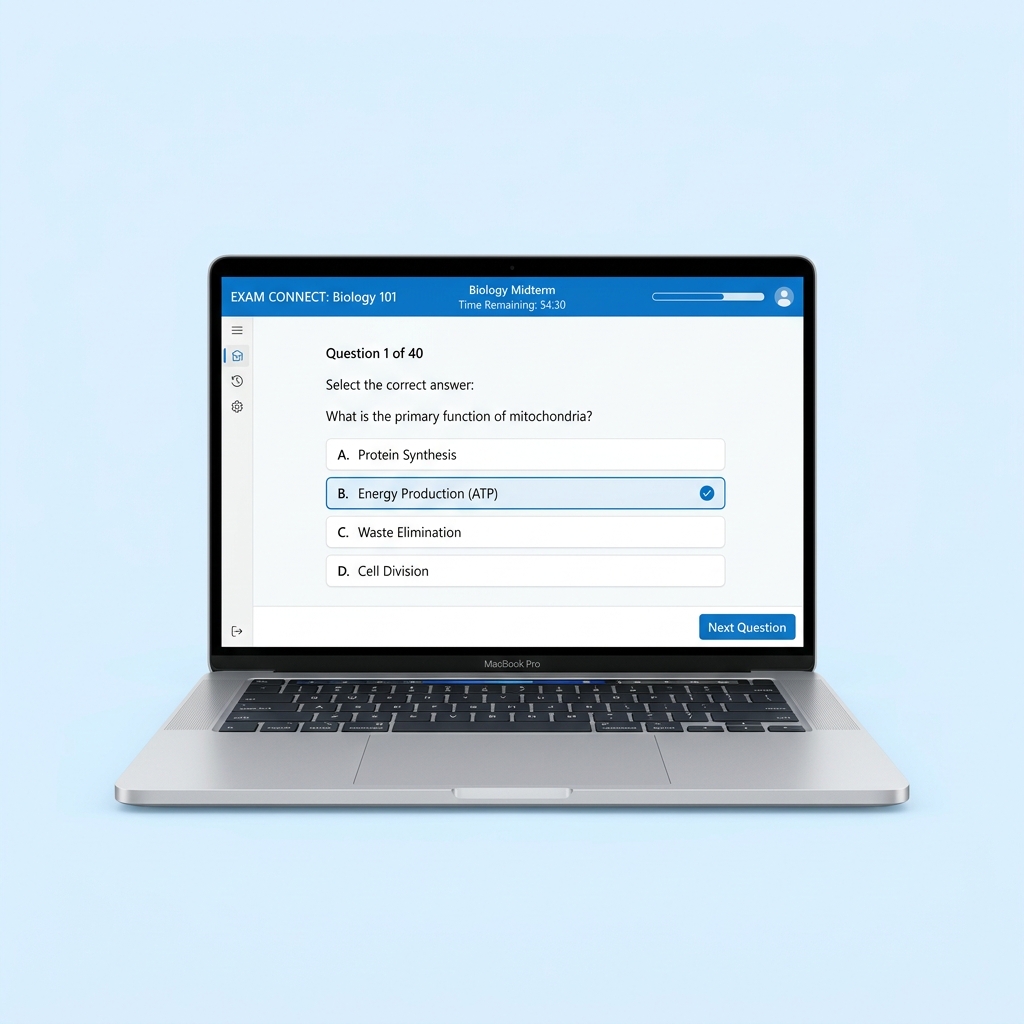
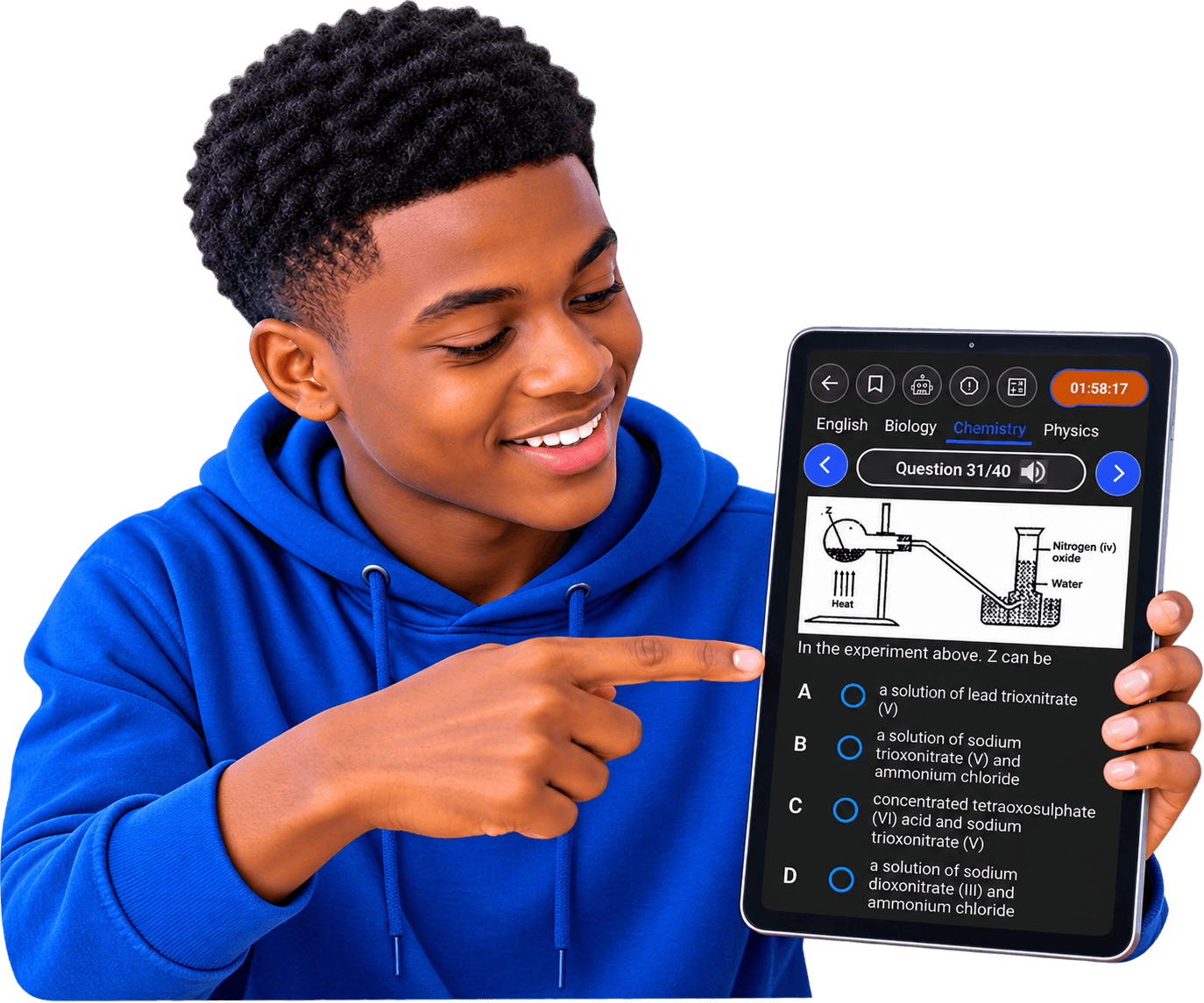
ExamsPrep JAMB practice application provides a complete insight into the actual UTME, including the structure, modalities, and CBT interface. All functionalities of the main JAMB exam platform are embedded in ExamsPrep software, including the JAMB 9-keys function.
Authentic UTME past questions and answers with detailed explanations for all subjects (27 subjects), model and most recent questions also available.
Get focused on specific topics of interest within any subject and master one concept at a time instead of random study. All topics are JAMB syllabus-based and questions are streamed strictly from them.
Summary of all Literature texts and practice over 2,000 likely exam questions with answers (including the novel “Lekki Headmaster”).
Access all UTME subjects’ study notes/materials and tutorial exercises on every topic strictly based on the syllabus. Take the exercises here to gain mastery on each topic.
Watch a step-by-step tutorial videos on every topic in each subject, this helps for proper retention and better understanding of the concept taught. You can learn independently and at your own pace.
Summarized key points on all topics for quick revision across all 27 subjects, designed in form of flip cards.
The new and improved AI Tutor powered by advanced ChatGPT gives you more personalized and detailed answers in an instant, whether you need help understanding any subject matter or specific topic of interest. Start a chat with the AI Tutor, then ask any question on the topic studied and get answers immediately.
Challenge your preparedness by competing with peers across board in weekly rounds of mock exam competition and win amazing prizes, giving a first-hand feel of UTME structures and modalities before the main exam.
Automatically create and generate a study plan to stay organized and focused in order to cover the syllabus effectively. Take control of your preparation, create structured timetable for efficient studying.
Track your progress after completing any exam, with results breakdown into topics – showing strength and weakness analysis, creating room for improvement.
Get to know JAMB requirements for any course and universities in Nigeria with recommendations based on your O’ level result performance.
Practice with the same standard calculator used in the real UTME CBT examination.
Having fun and learning at the same time while building your speed and accuracy solving real JAMB past questions in form of game, answers are also provided in the game. ExamsPrep app eliminates boredom entirely while learning.
Activate once and use for life on all subject, no subscription, no hidden charges, and does not expire.
No Internet connection required after installation, learn and practice anywhere, anytime, even without data. Works on Windows and Android Operating Systems.
Download the free demo version on your Windows PC or Android phone to experience realistic exam simulation.
Includes full curriculum syllabus topics, model questions, answer keys & detailed explanations.
Windows 7, 8, 10, 11 Android 5.0+
Study anytime without data or internet connection after installation. Works everywhere completely offline.
Download & test all application features for free before purchasing your activation key on the buy page.
Get started in minutes with ExamsPrep UTME on your Laptop, Desktop, or Android device.
Click the "Download for PC" button to download ExamsPrep_UTME.exe directly to your computer.
Locate the downloaded ExamsPrep_UTME.exe file in your Downloads folder and double-click to launch setup.
Click on "More Info" and then select "Run Anyway" to launch the setup wizard.
Open the ExamsPrep UTME desktop shortcut, set up your profile, enter your activation key, and practice 100% offline!
Download the ExamsPrep_UTME.apk file directly to your Android phone or tablet.
Go to your phone Settings > Security > Enable "Install from unknown sources" or grant permission to your browser.
Tap the downloaded ExamsPrep_UTME.apk file in your Downloads folder and select "Install" when prompted.
Open ExamsPrep UTME, set up your candidate profile, input your license key, and enjoy 100% offline study!
Everything you need to know about ExamsPrep software and activation keys.